


Learning Platform Selector
Which Learning Platform is Right for You?
Based on the article content about the most used digital learning platforms, select your current situation to see which platform is most suitable for your needs.
Your Recommended Platform
Select your needs and click 'Find My Platform' to see your recommendation
When you think of digital learning, you probably picture someone watching a video lecture or taking a quiz on a screen. But not all platforms are created equal. The most used digital platform for learning isn’t the flashiest, the most expensive, or even the one with the most features. It’s the one that’s free, simple, and already in the hands of teachers and students around the world. That platform is Google Classroom.
Why Google Classroom Leads the Pack
Google Classroom isn’t just popular-it’s everywhere. According to data from 2024, over 150 million students and educators use Google Classroom daily across more than 180 countries. That’s more than the combined user base of Moodle, Canvas, Blackboard, and edX. Why? Because it doesn’t ask you to learn a new system. It just works the way you already use Gmail, Docs, and Drive.
Teachers don’t need IT support to set it up. They log in with their school email, click ‘Create Class’, and start sharing assignments. Students get notifications on their phones. No downloads. No logins for a separate app. Just a link in their email or a bookmark on their browser. It’s built into the Google ecosystem that most schools already use.
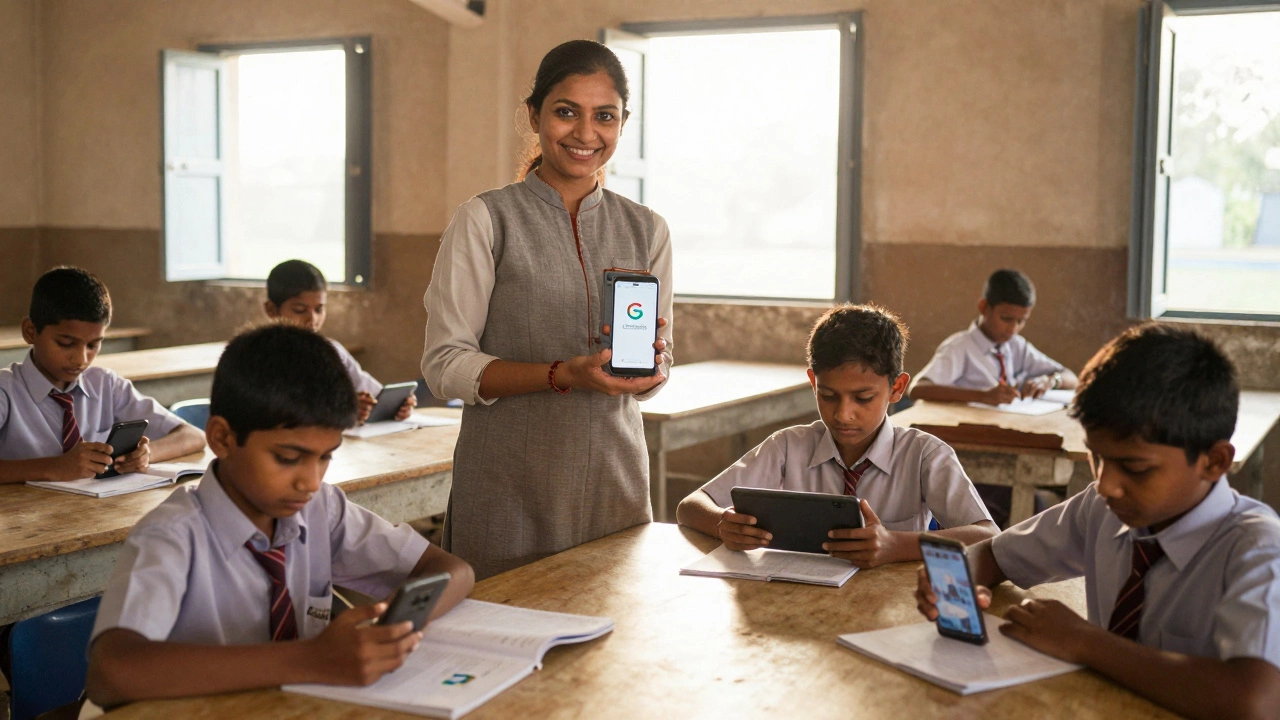
In rural India, a teacher in a village school uses Google Classroom to send PDF worksheets to 60 students who only have basic smartphones. In a high school in Birmingham, a student submits a science project through Classroom and gets feedback before class starts. In Brazil, a teacher records a 10-minute video explanation and posts it for kids who missed school due to flooding. Google Classroom doesn’t care where you are or what device you have. It just works.
How It Compares to Other Platforms
Other platforms have strengths, but they come with trade-offs.
| Platform | Primary Users | Cost | Ease of Use | Mobile Access | Integration |
|---|---|---|---|---|---|
| Google Classroom | K-12 schools, universities | Free (with Google Workspace) | Very Easy | Yes | Google Docs, Drive, Meet |
| Moodle | Universities, corporate training | Free (self-hosted), paid hosting | Complex | Yes, but clunky | Third-party plugins |
| Canvas | Higher education | Paid (per user) | Moderate | Yes | Zoom, Turnitin, LTI tools |
| Coursera | Adult learners, professionals | Free courses, paid certificates | Easy | Yes | Partner universities |
| edX | University students, lifelong learners | Free courses, paid certificates | Easy | Yes | Harvard, MIT, Stanford content |
Google Classroom wins on accessibility. Moodle is powerful but needs a tech-savvy admin. Canvas looks sleek but costs money most schools can’t afford. Coursera and edX are great for college-level courses, but they don’t help a 10-year-old turn in homework. Google Classroom fills the gap where most learning actually happens: in everyday classrooms, not in corporate training rooms or elite university portals.

What Makes It So Widely Adopted?
It’s not just about features. It’s about timing and trust.
When the pandemic hit in 2020, schools scrambled to go digital. Many bought expensive LMS systems. Others tried Zoom-only teaching. Google Classroom was already there. Schools that used Gmail and Google Drive didn’t need to train staff or buy new licenses. They just kept using what they had. Within weeks, millions of classrooms switched over.
Google also made it easy for governments to adopt. In the UK, the Department for Education partnered with Google to provide free access to Classroom for all state schools. In India, the National Education Policy pushed for digital learning-and Google Classroom was the default tool because it worked on low-end devices. In Latin America, ministries of education distributed tablets with Classroom pre-installed.
Teachers didn’t need to be tech experts. A 60-year-old primary school teacher in rural Kenya could learn to post an assignment in under 15 minutes. That’s the real power of Google Classroom: it lowers the barrier to entry so much that even the most under-resourced schools can use it.
Limitations and What’s Missing
But it’s not perfect. Google Classroom doesn’t have advanced grading tools like rubrics or automated plagiarism checks. It doesn’t track student progress over time like a dedicated LMS. You can’t build interactive quizzes with branching logic or video-based assessments. For advanced analytics or certification tracking, it falls short.
That’s why universities and corporate trainers still use Moodle or Canvas. They need those features. But for daily teaching-assigning work, collecting homework, giving feedback, sharing resources-Google Classroom does more than enough. It’s the Swiss Army knife, not the surgical scalpel.
And here’s the thing: most learning doesn’t need a scalpel. It needs a reliable tool that gets the job done. Over 80% of assignments in K-12 schools worldwide are submitted through Google Classroom. That’s not because it’s the best-it’s because it’s the most accessible.
What’s Next for Learning Platforms?
Platforms like Khan Academy and Duolingo are growing fast with AI tutors and gamified lessons. But they’re supplemental. They don’t replace the classroom structure. Google Classroom is the backbone. It’s where the teacher still holds the reins.
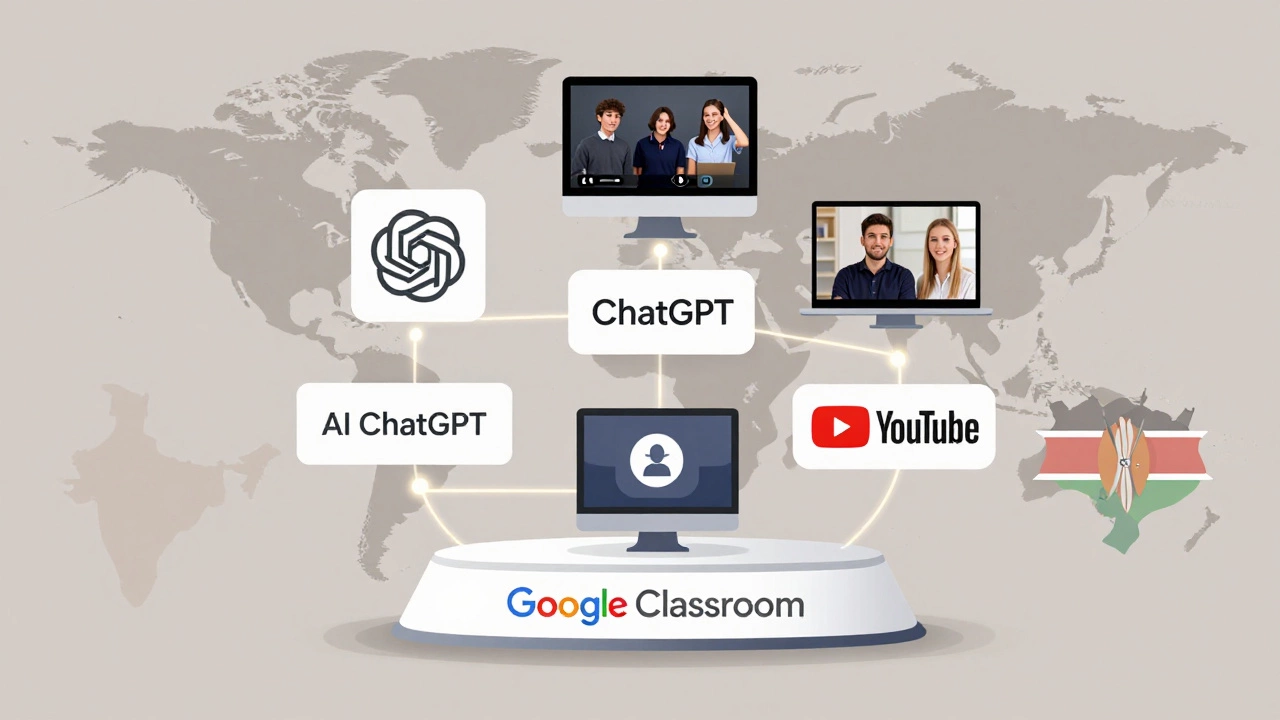
Even as AI tools like ChatGPT for education become more common, they’re being added *on top* of Google Classroom, not replacing it. Teachers paste AI-generated summaries into Classroom. Students use AI to check their essays before submitting them there. The platform remains the central hub.
The future of digital learning won’t be a single revolutionary app. It’ll be a layered system: Google Classroom as the foundation, AI tools as assistants, and video platforms like YouTube as content sources. But the glue? Still Google Classroom.
Is It Right for You?
If you’re a teacher in a school with limited tech support, Google Classroom is your best bet. If you’re a student with an old phone and slow internet, it’s the only platform that won’t crash on you. If you’re a parent helping your child with homework, it’s the one place you can actually see what’s due.
If you’re running a university course with 500 students and need detailed analytics, you’ll want Canvas or Moodle. If you’re learning Python on your own, Coursera or edX make more sense. But if you’re part of a school system-any school system-chances are you’re already using Google Classroom. And you’re not alone.
It’s not the most powerful platform. But it’s the most used. And sometimes, that’s what matters most.
Is Google Classroom the only platform used in schools?
No, but it’s the most common. Many schools use Canvas, Moodle, or Blackboard, especially at the university level. However, in K-12 education, Google Classroom dominates because it’s free, easy to use, and integrates with tools schools already have.
Can I use Google Classroom without a Google account?
No. You need a Google Workspace for Education account, which is provided by your school or district. Personal Gmail accounts can’t create classes, though students can join using their school login.
Does Google Classroom work on mobile phones?
Yes. Google Classroom has a free app for Android and iOS. Students can view assignments, submit work, and get notifications even on low-end smartphones. Many students in developing countries rely on the app because it’s lightweight and doesn’t need high-speed internet.
Is Google Classroom secure for children?
Yes, when used through a school’s Google Workspace for Education account. Google complies with child privacy laws like COPPA and FERPA. Schools control who can join classes, what data is collected, and whether students can communicate outside the class. Personal data is not used for advertising.
Can parents access Google Classroom?
Yes, teachers can invite parents to receive email summaries of their child’s assignments, grades, and announcements. Parents don’t log in directly-they get updates sent to their own email. This helps keep families involved without giving them full access to the platform.
What’s the difference between Google Classroom and Microsoft Teams for Education?
Both are used in schools, but Google Classroom is simpler and more focused on assignments and workflow. Microsoft Teams is part of a larger suite that includes chat, meetings, and collaboration tools. Teams is better for group projects and communication-heavy environments, while Classroom is better for daily assignments and grading. Google Classroom has a larger global footprint in K-12.
If you’re starting out with digital learning, don’t overcomplicate it. Google Classroom is the platform millions of teachers and students already trust. It’s not about having the most features-it’s about having the one that actually gets used every day.