




Google Classroom vs LMS Feature Checker
This tool helps you determine if Google Classroom meets your educational needs or if you require a full Learning Management System (LMS). Answer the questions below about your requirements, and we'll show you exactly which features are covered by Google Classroom versus a full LMS.
Essential Features
Your Feature Comparison
Google Classroom isn’t just a tool for handing out homework. It’s the digital desk where teachers and students meet every day. But if you’ve heard people call it an LMS, you might be wondering: is that actually true? The short answer? It’s close, but not quite a full learning management system. And understanding the difference matters-if you’re choosing tools for your school, your team, or even your own kids’ learning.
What Is a Learning Management System (LMS)?
A true LMS is built to run entire courses. Think of it like a digital campus: it holds lessons, tracks progress, grades assignments, manages enrollments, and reports on performance. Platforms like Moodle, Canvas, and Blackboard are classic LMS examples. They’re designed for institutions that need deep control over curriculum, assessments, and student data.
Here’s what a full LMS typically includes:
- Course creation tools with multimedia support
- Automated grading and rubrics
- Student progress dashboards for teachers and admins
- Discussion forums with threading and moderation
- Integration with external tools like Zoom, Turnitin, or Khan Academy
- Gradebooks with weighted averages and custom calculation rules
- Compliance features like FERPA and GDPR support
These aren’t nice-to-haves-they’re core functions. If your school needs to track 500 students across 20 different courses with custom grading scales, you need a system built for that scale. Google Classroom doesn’t do most of that.
What Google Classroom Actually Does
Google Classroom is simpler. It’s a lightweight workflow tool built on top of Google Workspace. Its job? To make it easy to distribute, collect, and organize assignments. It’s not meant to be a course builder-it’s meant to be a classroom organizer.
Here’s what Classroom offers:
- Quick assignment posting with Google Docs, Sheets, and Slides
- Automatic grading for multiple-choice quizzes (via Google Forms)
- Real-time feedback with comments and annotations
- Class stream for announcements and student questions
- Integration with Google Drive, Gmail, and Meet
- Simple class roster management via Google Groups
It’s fast. It’s free for schools. And it works great if you’re a teacher who wants to cut down on paper, stop chasing down missing work, and keep communication clear. But if you want to build a full online course with video lectures, interactive modules, progress milestones, or certificates-you’ll need something else.
Why People Mistake It for an LMS
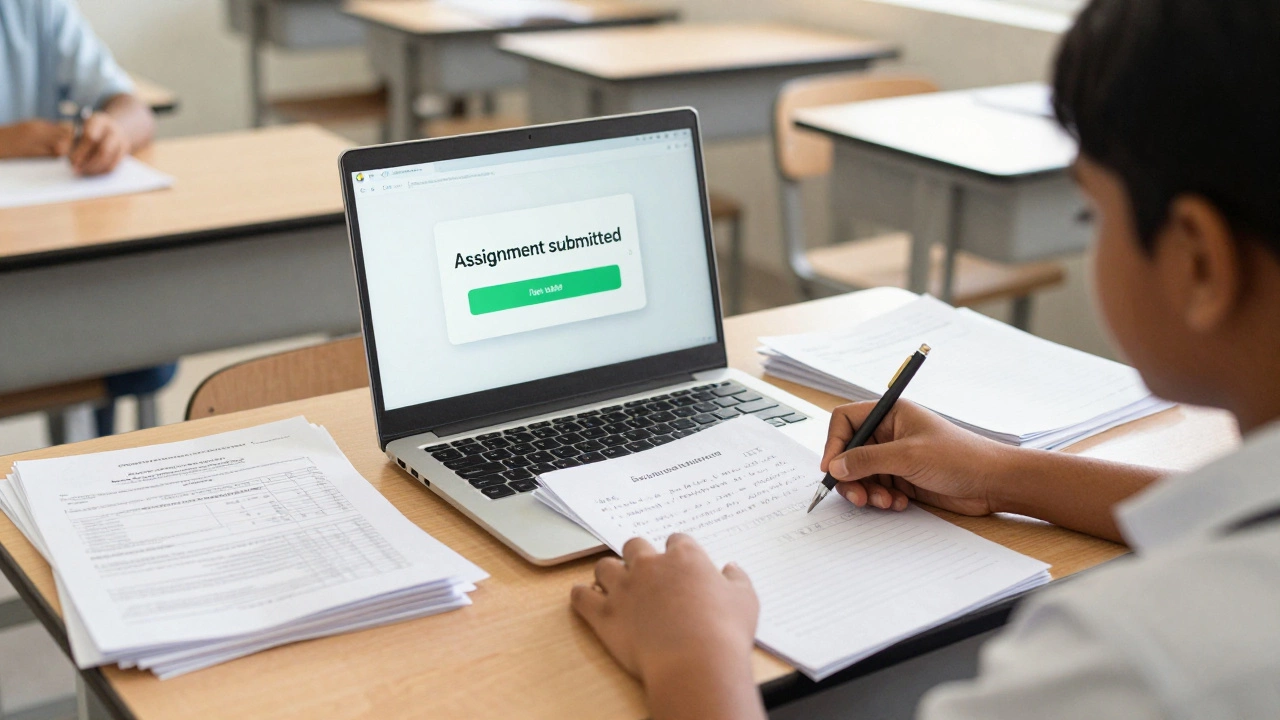
Google Classroom looks like an LMS because it does some of the same things. Teachers use it to assign work, collect submissions, and give grades. Students log in daily. It feels like a learning platform.
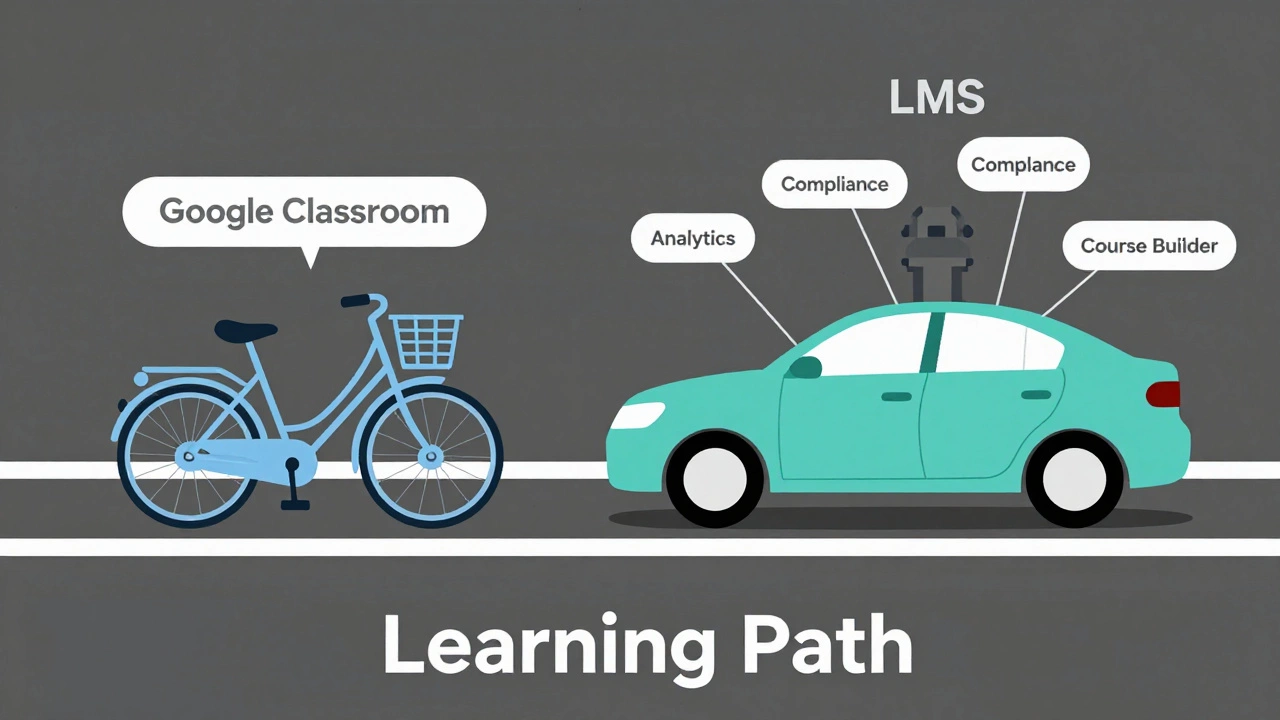
But that’s like calling a bicycle a car because both get you from point A to point B. They serve different purposes. Classroom doesn’t have:
- A course outline builder
- Progress tracking beyond assignment completion
- Student analytics beyond grades
- Custom quizzes with branching logic
- Parent portals or detailed reporting for administrators
Many schools use Classroom because it’s easy to set up and free. But they often pair it with other tools-like Google Sites for course pages, or external quiz platforms like Kahoot or Quizizz-to fill the gaps. That’s not an LMS. That’s a patchwork.
When Google Classroom Works Best
Classroom shines in specific situations:
- Primary and middle schools where assignments are simple and frequent
- Teachers who want to reduce paperwork without learning complex software
- Schools with limited IT budgets or staff
- Hybrid learning setups where students need a single place to check daily tasks
- Quick pilot programs or short-term courses
For example, a Year 6 teacher in Birmingham might use Classroom to assign weekly reading responses, collect science project drafts, and send reminders about upcoming tests. It works perfectly for that. No need to overcomplicate it.
But if that same school wanted to offer a full-year online biology course with video lectures, interactive simulations, discussion boards, and auto-graded labs? Classroom wouldn’t cut it. They’d need a real LMS like Canvas or Moodle.
What You Should Use Instead
If you need more than assignment distribution, here are better options:
- Canvas: Used by universities and K-12 districts worldwide. Strong grading, analytics, and mobile app.
- Moodle: Open-source, highly customizable. Popular in Europe and public schools.
- Microsoft Teams for Education: If your school uses Office 365, this is Google Classroom’s closest competitor-with deeper LMS features.
- Edmodo: Designed for younger students. More social, more gamified.
- Blackboard: Enterprise-level, used in colleges. Heavy on compliance and reporting.
Each has pros and cons. Canvas is the most popular in the UK for secondary schools. Moodle is free but needs technical know-how to set up. Teams integrates well if you’re already in the Microsoft ecosystem.
The Bottom Line
Google Classroom is not a learning management system. It’s a classroom management tool. It’s excellent at what it does-but it doesn’t do what an LMS does. Calling it an LMS is like calling a toaster an oven. You can bake a cake in it, but you won’t get the results you expect.
If you’re a teacher, use Classroom to save time. If you’re a school administrator planning digital learning, don’t assume Classroom is enough. Know your needs: simple tasks? Classroom works. Full courses? Invest in a real LMS.
The line between tools is blurring. Google keeps adding features. But as of 2025, it still doesn’t replace the depth, structure, and control of a true LMS. Don’t confuse convenience with capability.
Is Google Classroom considered an LMS by schools?
Many schools use Google Classroom as their main digital tool, so they may refer to it informally as an LMS. But technically, it’s not. Most education departments and accreditation bodies classify it as a classroom management platform, not a full LMS, because it lacks features like course authoring, detailed analytics, and compliance tools.
Can you use Google Classroom for online courses?
You can use it for simple online courses with weekly assignments and basic quizzes, especially in K-12 settings. But for structured, multi-module courses with video content, progress tracking, certificates, or discussion forums, you’ll quickly hit limits. It’s not built for that scale.
Does Google Classroom have a gradebook?
Yes, it has a basic gradebook that shows assignment scores and averages. But it doesn’t support weighted categories, custom grading scales, or exportable reports for district reporting. For advanced grading needs, schools often export data to Excel or use a full LMS like Canvas.
Is Google Classroom secure for student data?
Google Classroom complies with COPPA and FERPA in the US and GDPR in the UK. Student data is not used for advertising, and schools control access. But it doesn’t offer the same level of audit trails, data residency controls, or parental consent workflows as dedicated LMS platforms like Moodle or Blackboard.
Can parents access Google Classroom?
Parents can receive email summaries of their child’s assignments and missing work if the teacher enables guardian summaries. But they can’t log in to the platform directly. A full LMS usually includes a parent portal with real-time access to grades, attendance, and announcements.
What’s the biggest limitation of Google Classroom?
Its biggest limitation is the lack of course structure. You can’t build a course with modules, prerequisites, or learning paths. Everything lives in a single stream. That makes it great for daily tasks but terrible for long-term, self-paced learning.