

Find Your First Coding Language
Not sure where to start? Answer one question to find your best starting point.
I want visual results
I want to build websites and see immediate changes in the browser.
I want logic & automation
I want to solve problems, analyze data, or automate tasks with clean code.
You’ve probably heard that learning to code is like learning a new human language. It’s true, but it’s also terrifying if you don’t know where to start. You open a tutorial, see a wall of curly braces and semicolons, and immediately think, "This isn't for me." But here’s the secret nobody tells you upfront: some programming languages are designed specifically to be read almost like English. If you’re asking what the simplest coding to learn is, the answer depends on what you want to build, but there is a clear winner for most people starting from zero.
The Short Answer: Start with Python or HTML
If you want immediate gratification and visual results, start with HTML and CSS. If you want to understand logic, automation, and data, start with Python is a high-level general-purpose programming language known for its readability and simplicity.
Why these two? Because they remove the biggest barriers to entry. HTML doesn’t have complex logic; it’s just structure. Python reads like sentences. Compare this to C++ or Java, where you might spend your first week just figuring out why the compiler hates you because you missed a semicolon. Let’s break down why these are the easiest paths into the world of software.
Why Python Wins for Logic and Automation
Python was created by Guido van Rossum in 1991 with a specific goal: make code readable. Before Python, programming often felt like shouting at a computer using obscure symbols. Python changed that. Look at how simple printing text to the screen is:
- Java:
System.out.println("Hello World"); - C++:
std::cout << "Hello World"; - Python:
print("Hello World")
See the difference? No extra classes, no weird operators. Just the word print. This clarity reduces cognitive load. When you’re new, your brain is already working hard to understand loops and variables. You don’t want it wasted on syntax errors.
Python uses indentation (spaces) to define blocks of code instead of curly braces {}. This forces you to write clean, organized code from day one. It’s forgiving. If you forget a colon or misalign a space, Python usually tells you exactly which line is wrong. Other languages might give you cryptic error messages that take hours to decode.
Beyond simplicity, Python is incredibly useful. You can use it to scrape websites, analyze spreadsheets, automate boring Excel tasks, or even train artificial intelligence models. The community is massive, meaning if you get stuck, someone has likely asked your exact question on Stack Overflow five years ago.
HTML and CSS: The Gateway Drug of Coding
Some purists argue HTML isn’t "real" coding because it lacks logic. They’re right, technically. HTML stands for HyperText Markup Language and is used to create web pages. It’s markup, not programming. But does that matter when you’re trying to learn?
Not really. For many beginners, especially creatives, HTML and CSS (Cascading Style Sheets) control the appearance of web documents offer the fastest path to seeing something real. You type a tag, refresh the browser, and boom-a button appears. You change a color code, and the background turns blue. That instant feedback loop is addictive.
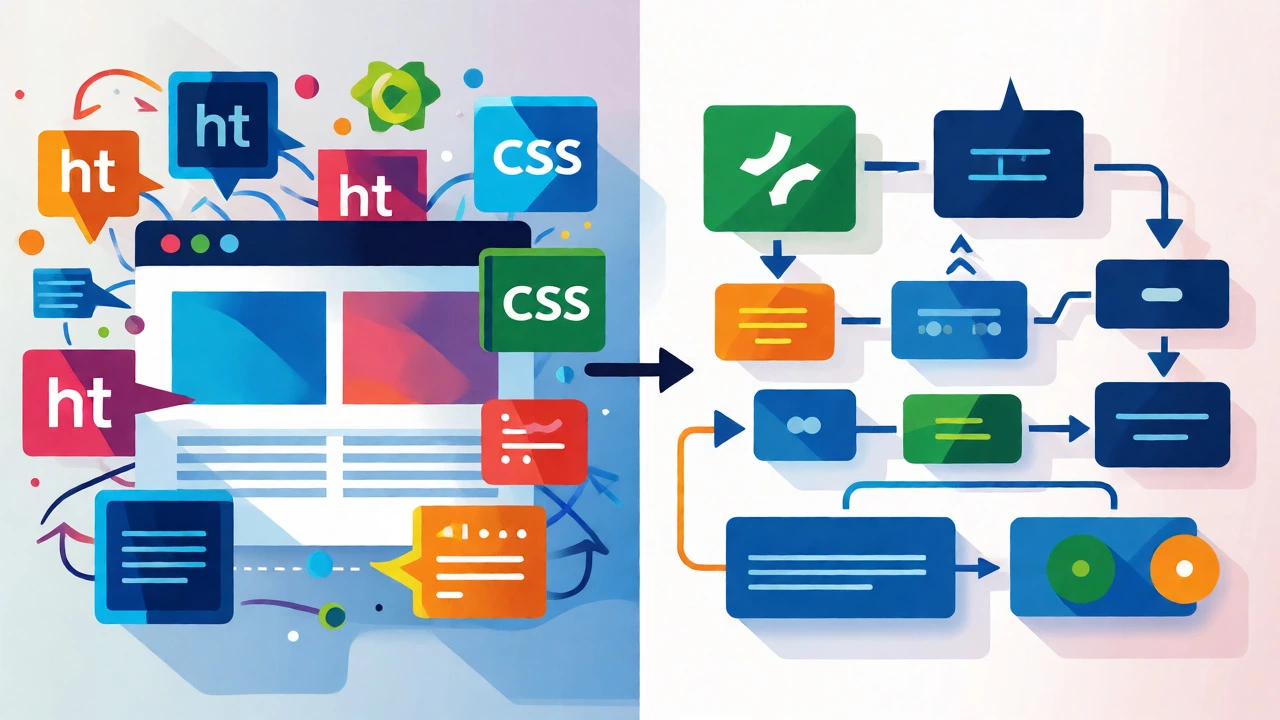
Learning HTML teaches you how the web is structured. Learning CSS teaches you how to style it. Together, they form the foundation of front-end development. Once you’re comfortable making static pages look good, adding JavaScript enables interactive behavior on web pages becomes much less intimidating because you already understand the environment.
JavaScript: The Next Step After HTML
Once you’ve mastered the basics of HTML and CSS, JavaScript is the natural next step. It’s the only language that runs natively in every web browser. You don’t need to install anything special to run it-just open Chrome or Firefox.
JavaScript is quirky. It has strange rules about types and scope that can confuse beginners. However, its ubiquity makes it essential. If you want to make buttons clickable, forms validate themselves, or animations play smoothly, you need JavaScript. It bridges the gap between static design and dynamic application.
| Language | Difficulty Level | Primary Use Case | Feedback Speed | Job Market Demand |
|---|---|---|---|---|
| Python | Low | Data Science, AI, Backend, Scripting | Medium (requires running script) | Very High |
| HTML/CSS | Very Low | Web Structure & Design | Instant (browser refresh) | High (for Front-End roles) |
| JavaScript | Medium-Low | Interactive Web Apps, Mobile Apps | Fast (browser console) | Extremely High |
| Scratch | Zero | Logic Basics for Kids/Teens | Instant | N/A (Educational Tool) |
Who Should Choose Which Path?
Your choice should depend on your goals, not just what’s "easiest." Here’s a quick decision tree:
- Are you creative? Do you care more about how things look than how they calculate numbers? Start with HTML/CSS. You’ll feel productive within an hour.
- Do you love data or science? Are you interested in finance, biology, or statistics? Go straight to Python. Libraries like Pandas make analyzing data feel like magic.
- Do you want to build apps? If you dream of creating the next Instagram clone, start with HTML/CSS, then move quickly to JavaScript.
- Are you under 15? Try Scratch is a block-based visual programming language developed by MIT. It removes typing errors entirely and focuses purely on logical flow.
Don’t worry about picking the "wrong" language. The concepts transfer. A variable is a variable whether it’s in Python or JavaScript. A loop is a loop. Once you learn one, the second becomes significantly easier. The hardest part is always the first step.
Pitfalls to Avoid When Starting
Even the simplest languages have traps. Here’s what trips up beginners in Birmingham coding bootcamps and online courses alike:
- Tutorial Hell: Watching videos feels like learning, but it’s passive. You must type the code yourself. If you copy-paste, you learn nothing. Break the code intentionally to see what happens.
- Ignoring Errors: Beginners panic when they see red text in the console. Don’t. Read the error message. It usually points to the exact line number. Google the error phrase-it’s almost certainly been solved before.
- Jumping Too Fast: Trying to build a full website before understanding what a div is will lead to frustration. Master the basics. Build a personal portfolio page with HTML/CSS before touching React or Vue.js.
- Comparing Yourself to Others: Someone on Twitter might say they learned Rust in a weekend. Ignore them. Most people take months to become comfortable. Consistency beats intensity.
Practical Steps to Start Today
You don’t need expensive classes to begin. Here’s a realistic roadmap for the next month:
- Week 1: Setup and Syntax. Install a code editor like Visual Studio Code is a free source-code editor made by Microsoft. Learn basic syntax. Write programs that ask for user input and print responses.
- Week 2: Control Flow. Understand
if/elsestatements andforloops. Build a simple number guessing game. This teaches you how computers make decisions. - Week 3: Functions and Data Structures. Learn how to group code into reusable functions. Understand lists (arrays) and dictionaries (objects). Build a to-do list app that stores tasks.
- Week 4: Mini Project. Combine everything. If you chose Python, build a script that renames files in a folder. If you chose Web, build a multi-page site with navigation links.
Remember, coding is a skill, not a talent. Nobody is born knowing how to write a while loop. You build muscle memory through practice. Keep it small, keep it consistent, and don’t quit when it gets confusing. That confusion is just your brain growing.
Is Python harder than HTML?
Technically, yes, because Python involves logic, math, and algorithms, while HTML is just structural tags. However, Python's syntax is so close to English that many find it easier to grasp conceptually than memorizing dozens of HTML tags and their attributes. For pure ease of writing, HTML wins. For ease of thinking logically, Python is surprisingly accessible.
Can I learn coding without a degree?
Absolutely. Many successful developers are self-taught or graduates of coding bootcamps. Employers care more about your portfolio and ability to solve problems than your university major. Building projects and contributing to open-source repositories often matters more than formal education in tech.
How long does it take to learn the basics of Python?
With consistent practice of 1-2 hours daily, you can understand the core fundamentals (variables, loops, functions, basic data structures) in 4 to 6 weeks. Becoming job-ready typically takes 6 to 12 months depending on your focus and project complexity.
Should I learn JavaScript before Python?
If your goal is web development, yes, learn HTML/CSS first, then JavaScript. If your goal is data analysis, automation, or general problem-solving, start with Python. JavaScript has a steeper initial learning curve due to its asynchronous nature and quirks, whereas Python offers a gentler introduction to programming concepts.
What is Scratch and who is it for?
Scratch is a block-based visual programming language where you drag and drop commands like puzzle pieces. It eliminates syntax errors entirely. It is ideal for children aged 8-16 or absolute beginners who struggle with typing and syntax. It teaches fundamental logic (sequencing, loops, conditionals) without the frustration of missing semicolons.