




E-Learning Platform Advisor
Define Your Learning Needs
- Primary Interface -
- Connectivity Need -
- Storage Requirement -
Pro Tip: Even if you use an App, ensure it connects to an LMS backend to save your progress securely.
Is e-learning an app?
You've likely seen the icon on your phone screen before. You tap it, log in, and start watching a lesson or doing a quiz. In today's world, when people ask "Is e-learning an app?", the short answer is both yes and no. That's confusing, right? To cut through the noise, you need to understand that e-learning is the broader process of teaching delivered through electronic technology. While many people experience it inside a mobile application, calling it just an "app" limits how powerful it can be.
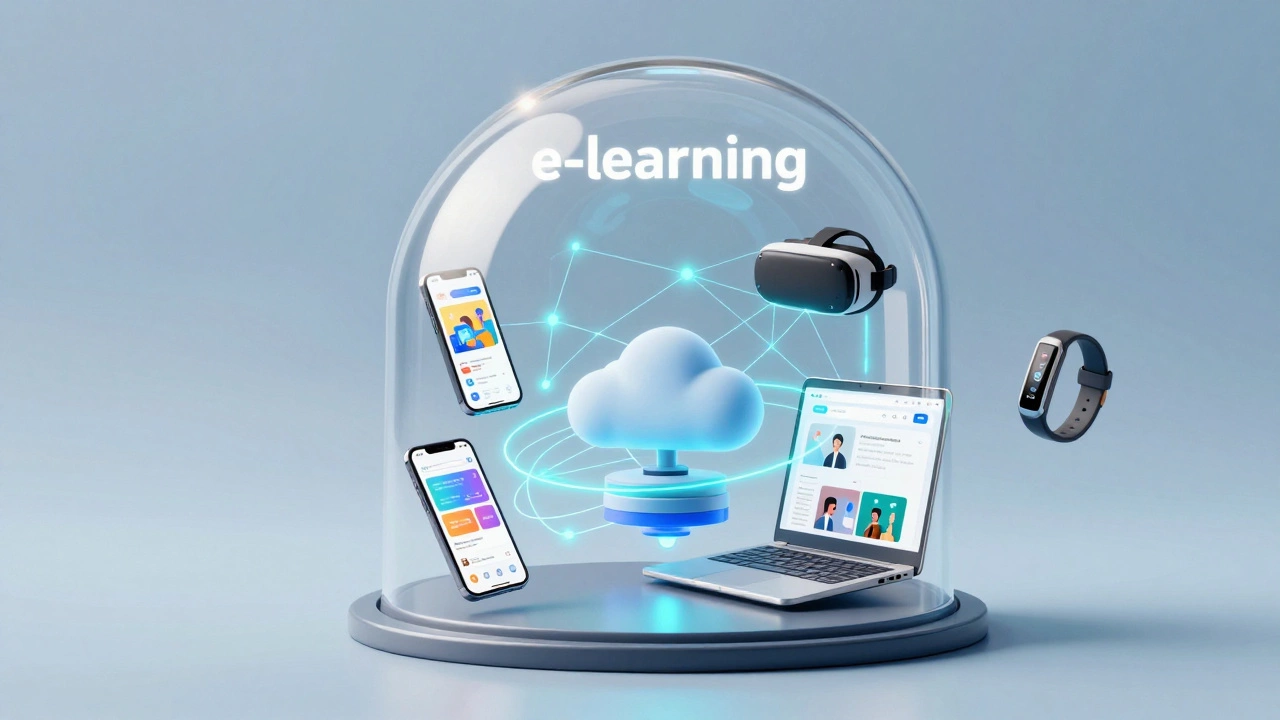
Think of e-learning like electricity. You plug a lamp into the wall to use it, but the lamp isn't the electricity itself. Similarly, a mobile app is a software program designed to run on smartphones and tablets, often serving as one of the delivery vehicles for educational content. However, e-learning also happens on desktop computers, virtual reality headsets, and even via SMS text messages. Limiting the definition to just an app misses half the picture of how modern education works in 2026.
The Difference Between Method and Tool
When educators and developers talk about this topic, the confusion usually stems from mixing up the method with the tool. E-learning is the method. It is the strategy of using computers to facilitate learning. The tool is whatever hardware or software you use to access that information. This could be a web browser, a dedicated app, or a Learning Management System (LMS).
Consider a scenario where a company trains its staff. The HR department uses a central dashboard to assign courses. Employees log in from their office computers to watch videos. Later, they practice on their phones during the commute. Is this one tool or two? It's one e-learning ecosystem utilizing multiple access points. If you define e-learning solely as an app, you ignore the robust tracking, grading, and administration features that live on the backend servers, which most users never see.
This distinction matters when you are selecting training solutions. Some platforms rely entirely on a native app installed from the Apple App Store or Google Play Store. Others are web-based, meaning you visit a URL in Chrome or Safari. Knowing the difference helps you avoid paying for features you don't need or choosing a solution that fails when Wi-Fi is spotty.
How Applications Fit Into the Picture
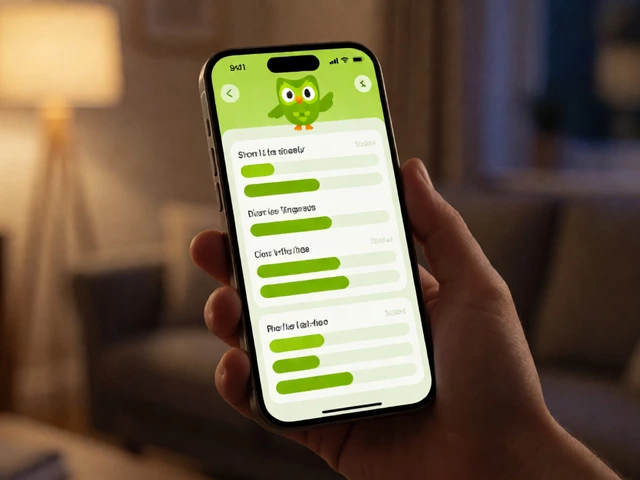
Why does everyone assume e-learning is an app then? It comes down to user habits. Over the last decade, the rise of smartphone usage shifted how we consume everything. We watch news, read books, and take tests on our phones. Consequently, major players have prioritized mobile-first design. Brands like Duolingo or LinkedIn Learning are famous largely because their apps offer a seamless experience that feels personal.
In 2026, the integration is deeper than ever. Apps now connect to wearable devices, allowing instructors to track engagement metrics like eye contact or heart rate variability during lessons. This brings us to the concept of adaptive learning being technology that adjusts difficulty based on student performance. An app is often the best vehicle for this because it sits on your device, ready to pop up with a notification reminder to review a word list or finish a module.
However, relying only on an app has downsides. Screen size limits the complexity of the content. You can't easily edit complex spreadsheets or code long projects on a phone screen compared to a laptop. Furthermore, if the developer stops updating the app, your access to the content might vanish if the server support ends. Web-based platforms tend to last longer and work across all operating systems without needing an update every time the OS changes.

The Engine Behind the Screen: LMS Systems
To truly understand the architecture, we need to look at the engine driving these experiences. Most serious e-learning environments are powered by a Learning Management System (LMS). Think of the LMS as the brain of the operation.
An LMS manages the relationships between:
- Administrators: They upload content and set rules.
- Instructors: They grade assignments and lead discussions.
- Learners: They access the material and submit work.
This system rarely lives on your phone directly. It lives in the cloud. Your app or browser is just the window looking into that cloud database. When you complete a quiz in an app, that score travels back to the LMS to be recorded permanently. Without the LMS, the app would just be a glorified video player without any record of your progress.
Some organizations build their own internal LMS customized for their specific goals. For example, a university might have a portal where grades sync automatically with the registrar's office. A private coaching firm might host a simple video library. Both are e-learning, but the underlying infrastructure looks very different depending on whether you access it via a public-facing app or a secure intranet portal.
Accessibility and Connectivity Constraints
One of the biggest debates regarding e-learning as an app focuses on connectivity. Many users expect e-learning to be downloadable so they can study while commuting on a train without signal. This requires a feature called offline mode.
If a platform relies strictly on streaming, it needs constant high-speed internet. In regions with poor connectivity, this makes e-learning inaccessible. An app can solve this by caching data locally on your device. However, this raises storage issues. High-quality video lessons can take up gigabytes of space on your hard drive. If you are managing a massive library of corporate training, downloading every course might fill up your device instantly.
Web-based e-learning solves the storage issue but creates a dependency on bandwidth. As 5G networks become standard globally, the gap narrows, but in areas where connection is still unstable, hybrid models are taking over. These systems let you download small chunks of data to learn, then sync your results once you reconnect to the network. This flexibility shows why e-learning is more than just a static app installation.
| Delivery Type | Primary Device | Offline Capability | Content Complexity |
|---|---|---|---|
| Native Mobile App | Smartphone/Tablet | High (cached data) | Low to Medium |
| Web Browser | Desktop/Laptop | Variable (PWA) | High (complex interactions) |
| Hybrid Platform | Any Device | Mixed (sync on reconnection) | Medium to High |

Evolving Standards in 2026
By early 2026, the lines continue to blur between traditional websites and applications. Progressive Web Apps (PWAs) allow websites to behave like apps. You can install them on your home screen without going through the app store, yet they run in a browser environment. This trend reduces friction for learners who don't want to download large files.
Furthermore, Artificial Intelligence is using algorithms to personalize the learning journey. AI thrives in cloud-based environments where it can process massive datasets from thousands of learners simultaneously. A local-only app struggles to match this level of intelligence. Therefore, while the interface might feel like an app, the power often resides in the backend processing.
Security is another factor pushing boundaries. Corporate training often requires strict compliance checks. Storing sensitive certification data within a local app file poses risks. Cloud-hosted LMS providers implement rigorous encryption standards that individual app developers cannot match. This ensures that your professional development records remain safe, verified, and portable across different job markets.
Choosing the Right Format for Your Needs
So, how do you decide what to use? It depends entirely on your goal. If you are learning vocabulary or practicing basic skills, an app is likely the best choice due to convenience and bite-sized interaction. If you are studying for a degree, building a career portfolio, or mastering a professional skill, a full web-based platform is superior.
Here is a quick checklist to help you identify what you really need:
- Check the Device: Do you need to access materials on a large monitor? Avoid app-only solutions.
- Verify Internet Access: Will you have reliable Wi-Fi? If not, demand offline capabilities.
- Review Certification: Does the course offer a certificate? Ensure the provider validates it through a secure dashboard, not just a screenshot.
- Budget: App subscriptions can add up quickly across multiple platforms. Look for unified accounts that cover web and mobile.
Ultimately, e-learning is the umbrella term under which digital education lives. Apps are merely one tool inside that toolbox. By recognizing this relationship, you gain control over your learning path rather than just following the latest trends. You stop looking for the perfect app and start looking for the perfect educational ecosystem.
Does e-learning require a separate app download?
Not necessarily. While many services offer dedicated apps for convenience, most modern e-learning platforms function perfectly through a web browser on a computer or tablet. You can often access all features without installing anything extra.
Which is better for studying: web or app?
It depends on the content type. Apps are generally better for short, daily practice sessions like flashcards or quizzes. Web browsers are better for deep reading, writing essays, or viewing complex charts where you need a larger screen.
Can I keep my progress if I switch devices?
Yes, provided the platform saves data to the cloud. This is typical of reputable LMS systems where you log in with an account anywhere. Standalone apps that save only to local storage may lose your progress if you change phones.
Are e-learning apps free?
Many basic versions are free with ads or limited content. Professional certification courses usually require a paid subscription or a one-time purchase to unlock exams and official certificates.
What is the difference between an LMS and an app?
An LMS is the system that manages users, tracks progress, and stores grades. An app is simply a visual interface to access that system. You can have an LMS without an app, but an app needs a system behind it to function.