

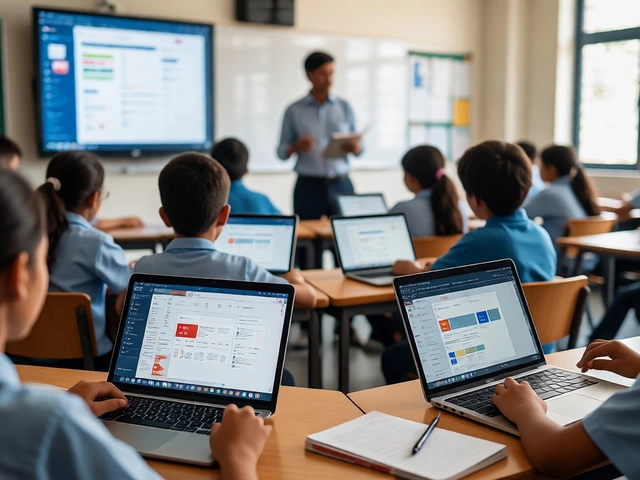
School LMS Matchmaker
Not sure if Google Classroom is right for your school? Answer these questions to see which platform aligns best with your infrastructure, budget, and pedagogical needs.
Based on your inputs, here is the recommended approach:
Recommended Platform:
Why this fits:
Potential Challenges:
Cost Estimate Analysis:
Compliance Note:
You walk into a modern classroom, and the teacher isn’t using Google Classroom. Instead, they’re logging into Canvas, Blackboard, or some obscure district-specific portal. It feels counterintuitive, right? Google Classroom is free, easy to use, and works on any device with a browser. So why do so many schools, especially in higher education and large public districts, turn their noses up at it?
The answer isn’t about laziness or resistance to change. It’s usually a messy mix of data privacy laws, legacy IT infrastructure, and the specific needs of older students. Let’s break down the real reasons your kid’s school might be skipping the big G.
Data Privacy and FERPA Compliance Concerns
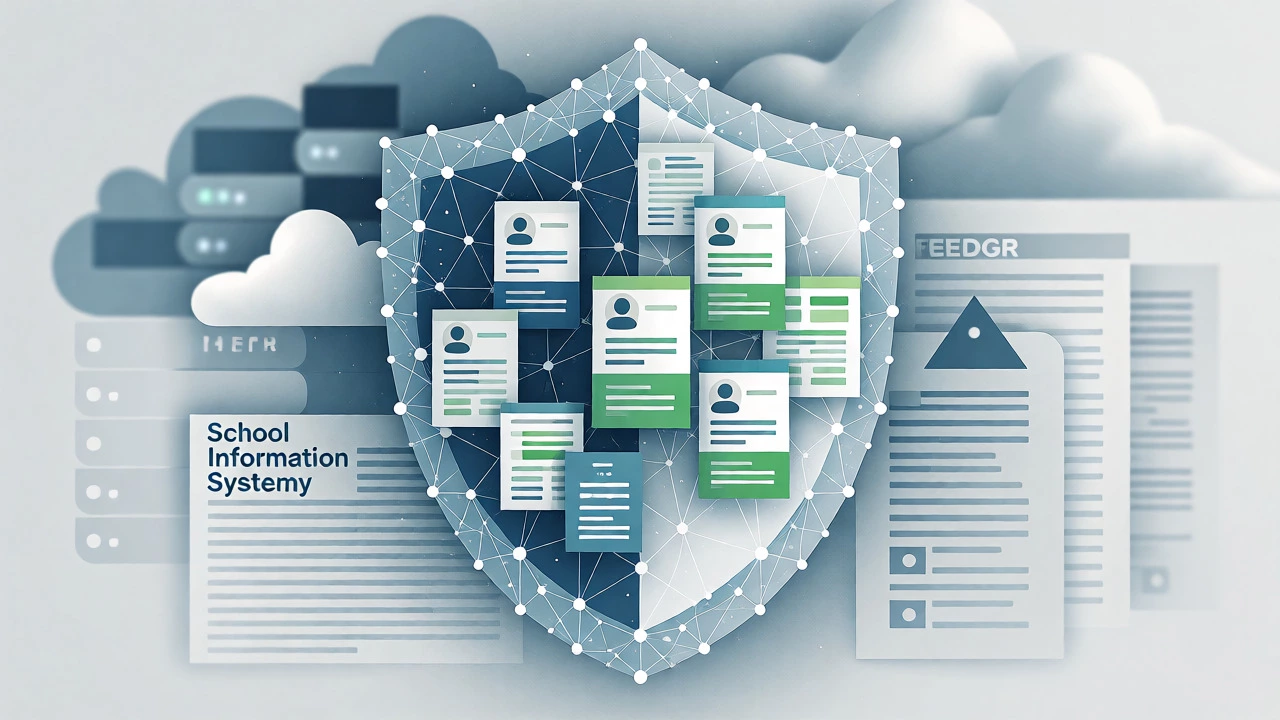
For K-12 schools, student data privacy is non-negotiable. Laws like FERPA (Family Educational Rights and Privacy Act) in the US and GDPR in Europe impose strict rules on who owns student data and how it’s used. While Google has signed agreements promising not to mine student data for ads, many school administrators remain skeptical. They worry about the long-term retention of data and the opacity of cloud storage locations.
School Information Systems (SIS) are often preferred because they are built specifically for education compliance. Unlike Google Classroom, which started as a productivity tool adapted for schools, platforms like PowerSchool or Infinite Campus are designed from the ground up to handle legal requirements for record-keeping, attendance, and grade reporting without third-party ad networks lurking in the background. For superintendents, the risk of a data breach involving a giant tech corporation outweighs the convenience of a simple interface.
Lack of Deep Gradebook Integration
If you’ve ever tried to transfer grades from Google Classroom to a traditional report card system, you know the pain. Google Classroom’s native gradebook is basic. It handles assignments and comments well, but it struggles with complex grading scales, weighted categories, and standards-based grading systems that many schools mandate.
Most schools use an Student Information System (SIS) as their source of truth. Teachers need a platform that syncs automatically with this SIS. If a teacher spends hours entering grades in Google Classroom only to manually re-enter them into the district’s official software, the efficiency gains vanish. Dedicated Learning Management Systems (LMS) like Canvas or Schoology offer robust APIs that push grades directly into the SIS, ensuring that what parents see on their portals matches exactly what the teacher recorded.
| Feature | Google Classroom | Dedicated LMS (e.g., Canvas) |
|---|---|---|
| Cost | Free for Education | Subscription-based ($5-$15/student/year) |
| Gradebook Complexity | Basic (Points/Percentages) | Advanced (Weighted, Standards-based) |
| SIS Integration | Limited/Third-party apps | Native/Deep API Integration |
| Analytics & Reporting | Simple activity logs | Detailed learning analytics |
| Offline Capability | Good via Docs | Varies by platform |
The "Walled Garden" Effect and Interoperability
Google Classroom is tightly coupled with the Google Workspace ecosystem. If your school uses Microsoft Office 365, Apple School Manager, or a mix of tools, Google Classroom can feel like an outsider. It plays nicely with Google Docs and Slides, but integrating with non-Google tools requires extra steps.
Many districts have invested heavily in Microsoft Teams for Education or other platforms that integrate seamlessly with their existing identity providers. When a school already uses Active Directory for login credentials, moving to a Google-centric workflow means managing two separate identity systems. This creates IT headaches. Single Sign-On (SSO) works best when everything lives under one roof. If the district is a Microsoft shop, Google Classroom becomes a redundant layer rather than a helpful bridge.
Higher Education Needs More Than Assignments
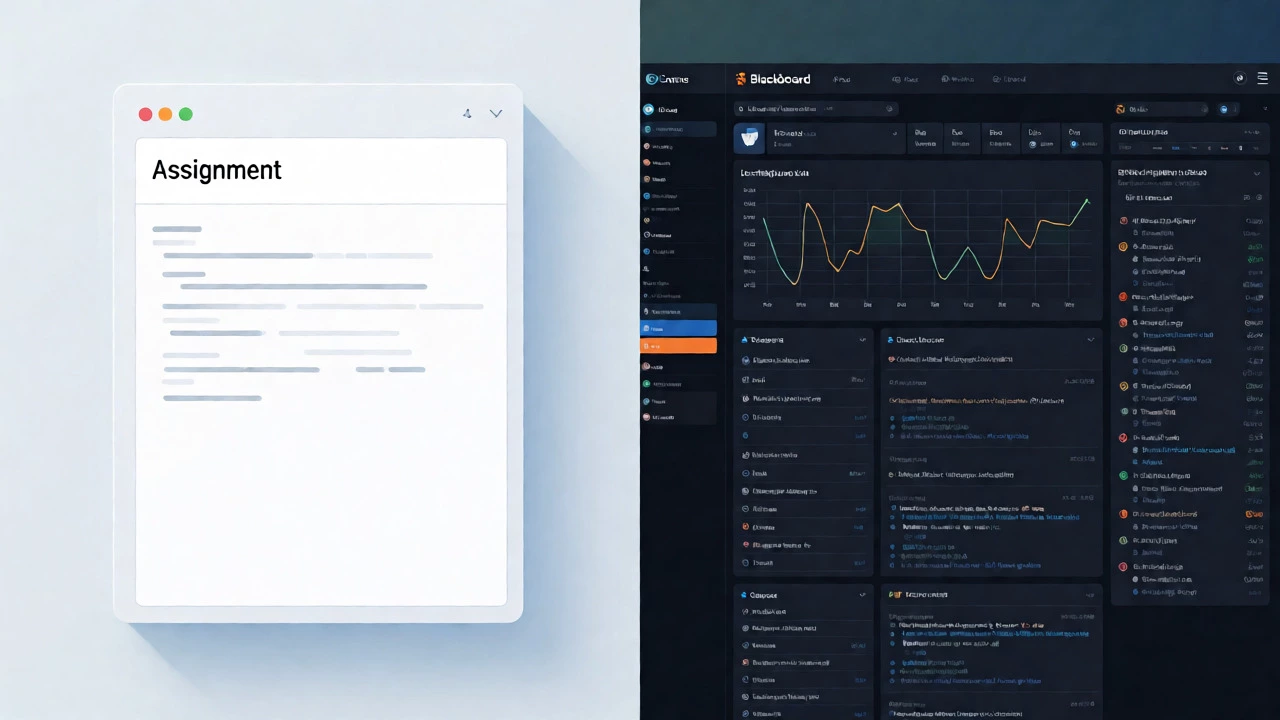
In high school and college, learning isn’t just about turning in homework. It’s about discussion boards, peer reviews, multimedia embedding, and complex assessment types. Google Classroom was originally designed for K-8 environments where simplicity was key. It lacks features that university professors rely on, such as:
- Rubric-based grading with detailed feedback loops.
- Plagiarism detection integration (Turnitin, etc.).
- Group project management tools.
- Video conferencing that doesn’t require switching tabs to Meet.
Universities often prefer Moodle or Blackboard because these platforms allow for custom plugins and deep customization. A professor teaching advanced physics needs different tools than a fifth-grade teacher assigning spelling words. One-size-fits-all solutions rarely fit the diverse needs of higher ed.
Teacher Training and Change Fatigue
Let’s be honest: teachers are exhausted. Every year brings a new app, a new dashboard, and a new way to log in. For educators who have mastered a specific workflow over ten years, switching to Google Classroom-even if it’s simpler-requires mental energy they may not have. If the current system works, why fix it?
Moreover, Google Classroom assumes a level of digital literacy that isn’t universal among staff. Older teachers or those in rural areas with limited tech support may struggle with the nuances of cloud syncing, permission settings, and file ownership. Districts often choose stability over innovation. Keeping an outdated but familiar system running is safer than rolling out a new platform that requires months of professional development.
Budget Realities: Free Isn’t Always Cheap
It sounds odd to say a free product costs money, but implementation does. Migrating data from an old LMS to Google Classroom takes time. Training staff takes time. Troubleshooting unique glitches takes time. All of this translates to labor costs. Some districts find that paying for a comprehensive LMS that includes support, training, and automatic updates is more cost-effective in the long run than cobbling together free tools that require constant manual maintenance.
Additionally, hardware compatibility matters. In low-income districts, Chromebooks are common, making Google Classroom a natural fit. But in wealthier districts with MacBooks or Windows PCs, the advantage diminishes. The choice often reflects the existing hardware inventory rather than pedagogical superiority.
What Schools Actually Use Instead
If not Google Classroom, what’s filling the void? Here’s a quick look at the main contenders:
- Canvas: Dominates higher education and increasingly popular in K-12 for its robust mobile app and open-source nature.
- Microsoft Teams for Education: The go-to for districts already invested in Microsoft 365, offering chat, files, and assignments in one hub.
- PowerSchool: Less of an LMS and more of an SIS, but many schools use its integrated modules for assignments and grades.
- Schoology: Popular in middle and high schools for its social-media-like interface and strong assessment tools.
When Google Classroom Is the Right Choice
Despite these drawbacks, Google Classroom still shines in specific scenarios. Private schools, charter schools, and smaller districts with agile IT teams often adopt it because it removes friction. There’s no procurement process, no annual renewal fee, and setup takes minutes. For hybrid learning models during emergencies, it’s unmatched for speed. If your goal is quick communication and simple assignment distribution without heavy administrative overhead, it remains a top contender.
Is Google Classroom safe for student data?
Yes, Google complies with major privacy laws like FERPA and COPPA. However, some districts prefer platforms with stricter data residency guarantees or clearer ownership terms, leading them to choose dedicated EdTech vendors instead.
Can Google Classroom replace a full Student Information System?
No. Google Classroom is a Learning Management System (LMS), not a Student Information System (SIS). It handles coursework and communication but typically relies on third-party integrations or manual entry to manage official records like transcripts, attendance, and disciplinary history.
Why do universities prefer Canvas over Google Classroom?
Universities need advanced features like plagiarism detection, complex rubrics, peer review workflows, and deep integration with library resources. Canvas offers these capabilities out of the box, whereas Google Classroom focuses on simplicity for younger students.
Does Google Classroom work offline?
Partially. You can view materials and edit Google Docs offline, but submitting assignments and accessing certain interactive elements usually requires an internet connection. This limitation can be problematic in areas with unreliable Wi-Fi.
How much does a typical school LMS cost compared to Google Classroom?
Google Classroom is free. Paid LMS platforms like Canvas or Blackboard typically charge between $5 and $15 per student per year, depending on the scale of the institution and the level of support required.